VRAM vs. Value: Is the 8GB RTX 5060 Still a Viable Choice for 3D Artists?
The 2026 Hardware Landscape: Shortages and Scarcity
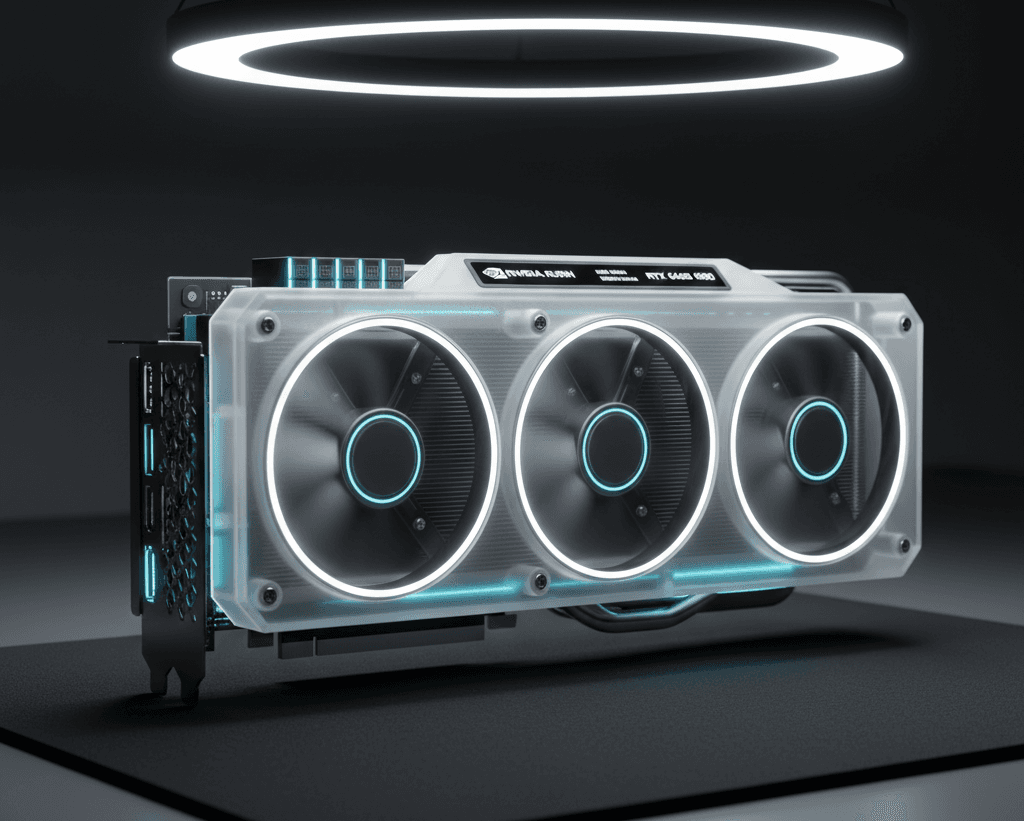
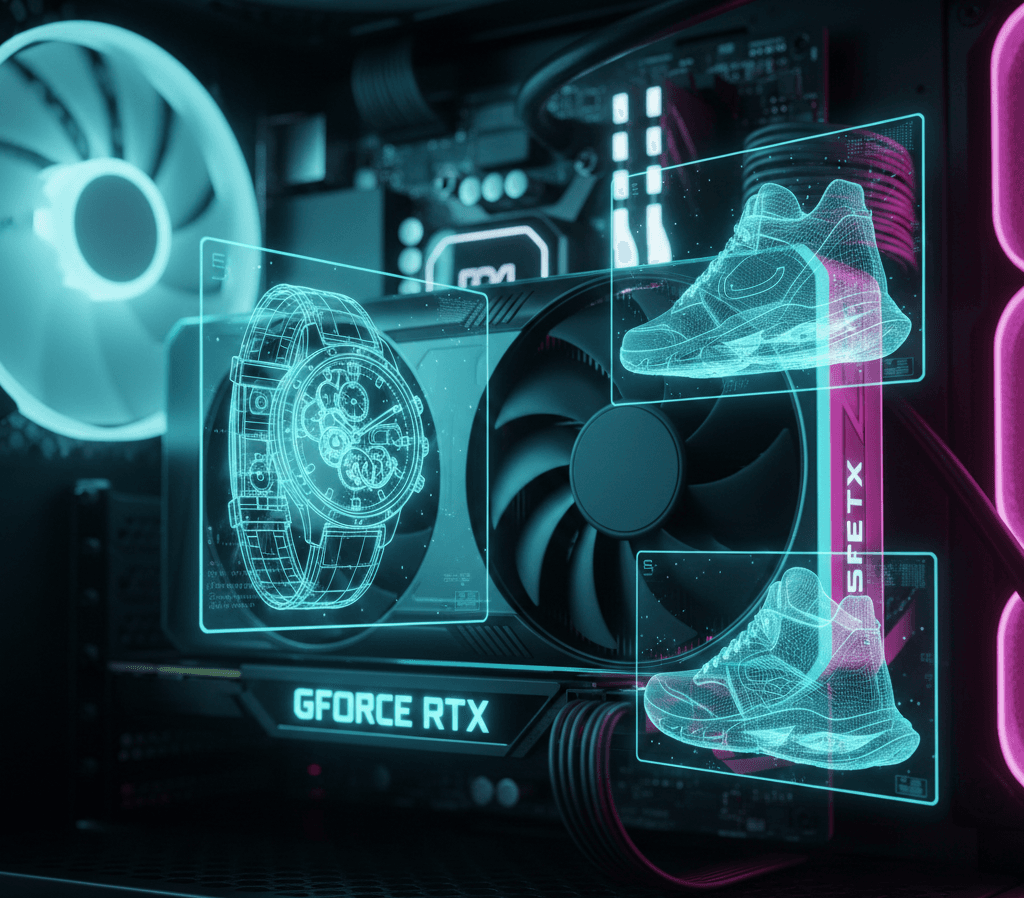
The current state of the GPU market is defined by supply constraints. Reports from early January 2026 confirm that the anticipated "Super" refresh of the 50-series has been heavily impacted by component droughts. With the RTX 5060 Ti 16GB variant seeing reduced production due to the high cost of GDDR7 memory chips, the base RTX 5060 8GB has become one of the few cards consistently available at its $299 MSRP.
For a 3D artist, this card is a paradox. It features the latest Blackwell architecture, boasting 5th-gen Tensor cores and a massive jump in raw compute speed over the previous generation. However, VRAM is the "canvas" size for a 3D renderer. If your scene data exceeds 8GB, your render engine will either crash or "out-of-core" render to your system RAM, slowing your workflow to a crawl.
Where the RTX 5060 Shines
Despite the 8GB limit, the RTX 5060 is not a write-off. For specific workflows, it is arguably the best value on the market:
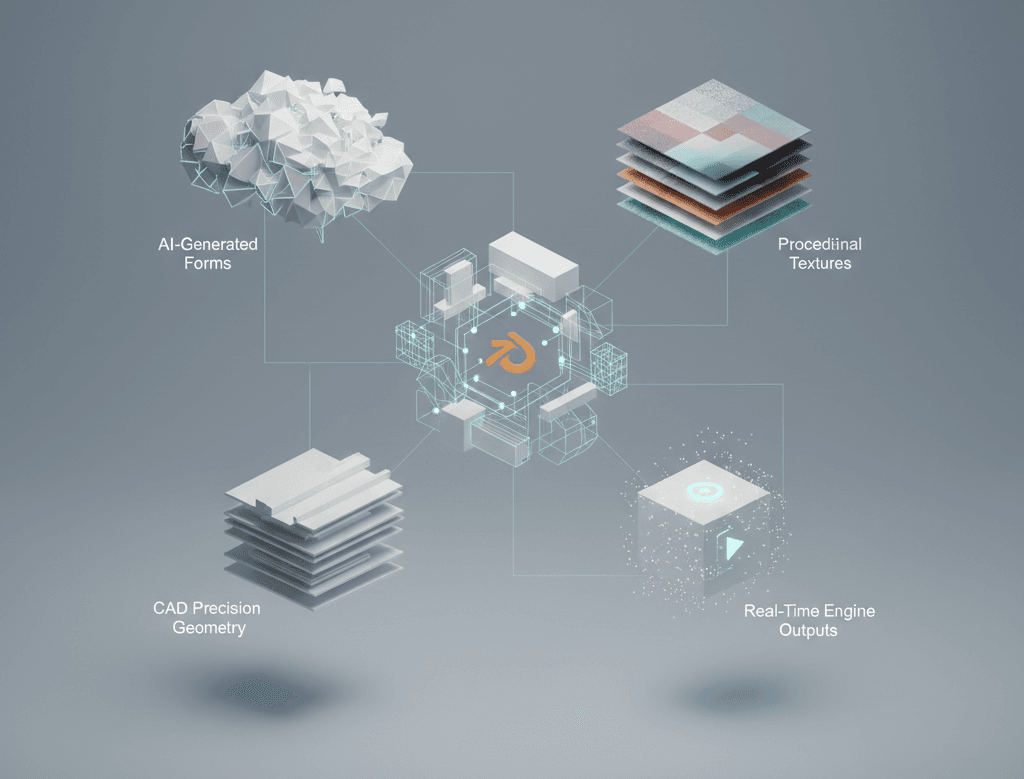
- Real-Time NPR and Stylized Art: If you are working on non-photorealistic rendering (NPR) or stylized, toon-shaded content for the growing anime-aesthetic market, 8GB is often more than enough. These workflows rely on shaders rather than massive texture sets.
- Motion Graphics: For After Effects users and those doing 3D UI/UX work, the Blackwell architecture's neural rendering handles vector-heavy and geometric scenes with incredible efficiency.
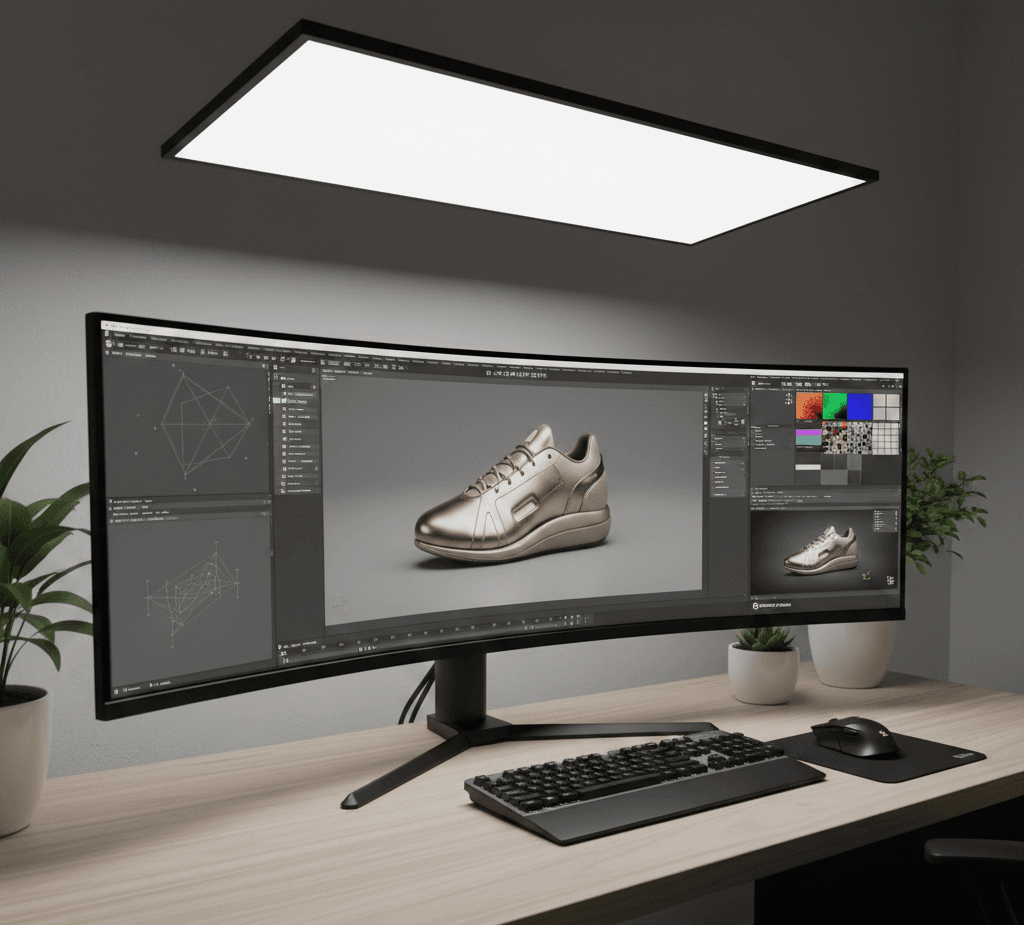
- Asset Creation: If your job is modeling and texturing individual assets rather than assembling massive environments, the 5060’s speed in Substance Painter and ZBrush is excellent.
The Survival Guide: Optimizing for 8GB
If you are currently using or considering an 8GB card, you must adopt a "memory-first" mindset. Here is how to keep your projects within the limit:
- Neural Texture Compression (NTC): Use NVIDIA's new NTC SDK. This Blackwell-native feature uses AI to compress PBR textures by up to 90% with minimal loss in quality. It allows you to fit 4K-quality detail into the VRAM footprint of a 1K texture.
- Instance Everything: In Blender or Cinema 4D, never "duplicate" objects that are identical. Use Instancing. This tells the renderer to load the geometry once into the VRAM and draw it 1,000 times.
- The "Near vs. Far" Rule: Only use high-poly models and 4K textures for objects within the first 25% of the camera's depth. Use decimated proxies with baked textures for everything else.
- Leverage DLSS 4.5: For viewport performance, ensure you are using NVIDIA Studio Drivers. DLSS 4.5 allows you to work in a "low-res" viewport that looks and feels like a 4K render, significantly reducing the live VRAM load.
Verdict: Is it Viable?
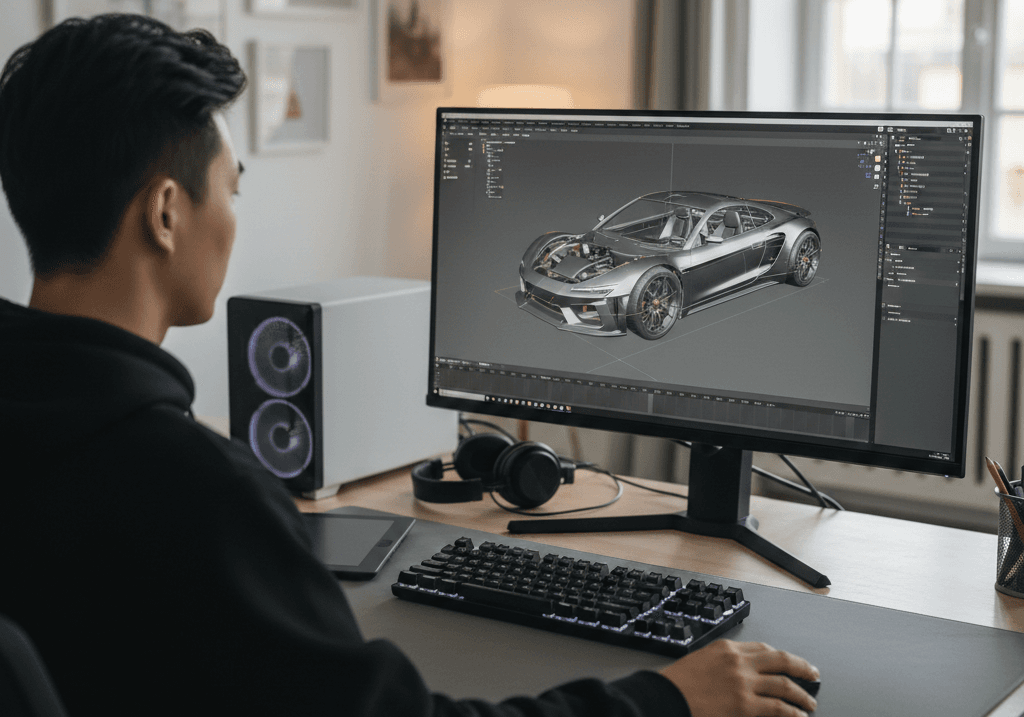
The RTX 5060 8GB is a viable choice for junior artists, motion designers, and asset creators. It is a bridge card designed to get you through the 2026 shortage without overpaying for enterprise-grade hardware.
However, if your goal is Architectural Visualization (ArchViz) or complex Environment Design, the 8GB limit will be a constant source of friction. In those cases, searching for a used RTX 4060 Ti 16GB or waiting for supply chains to stabilize may be the wiser long-term investment.